Formlabs Launches Form Studio 1 With Open Material Mode
The Form Studio 1 brings Formlabs' automatic resin handling to a new maker-focused printer, with a 35-micron print engine and Open Material Mode included.
Contents
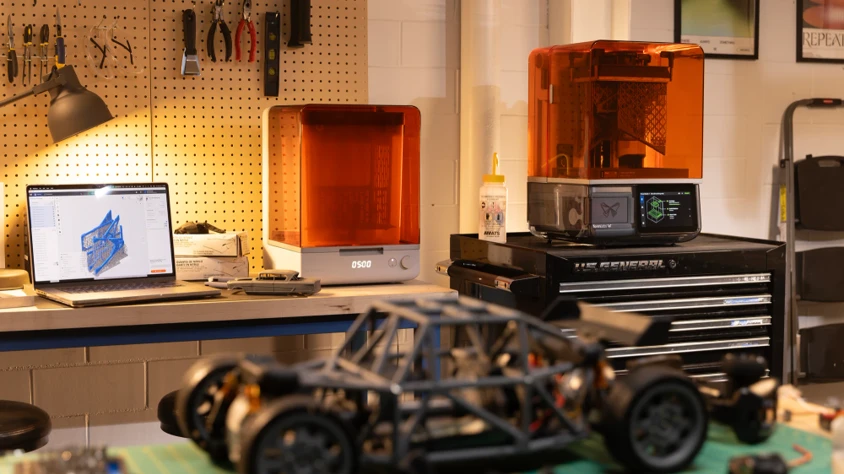
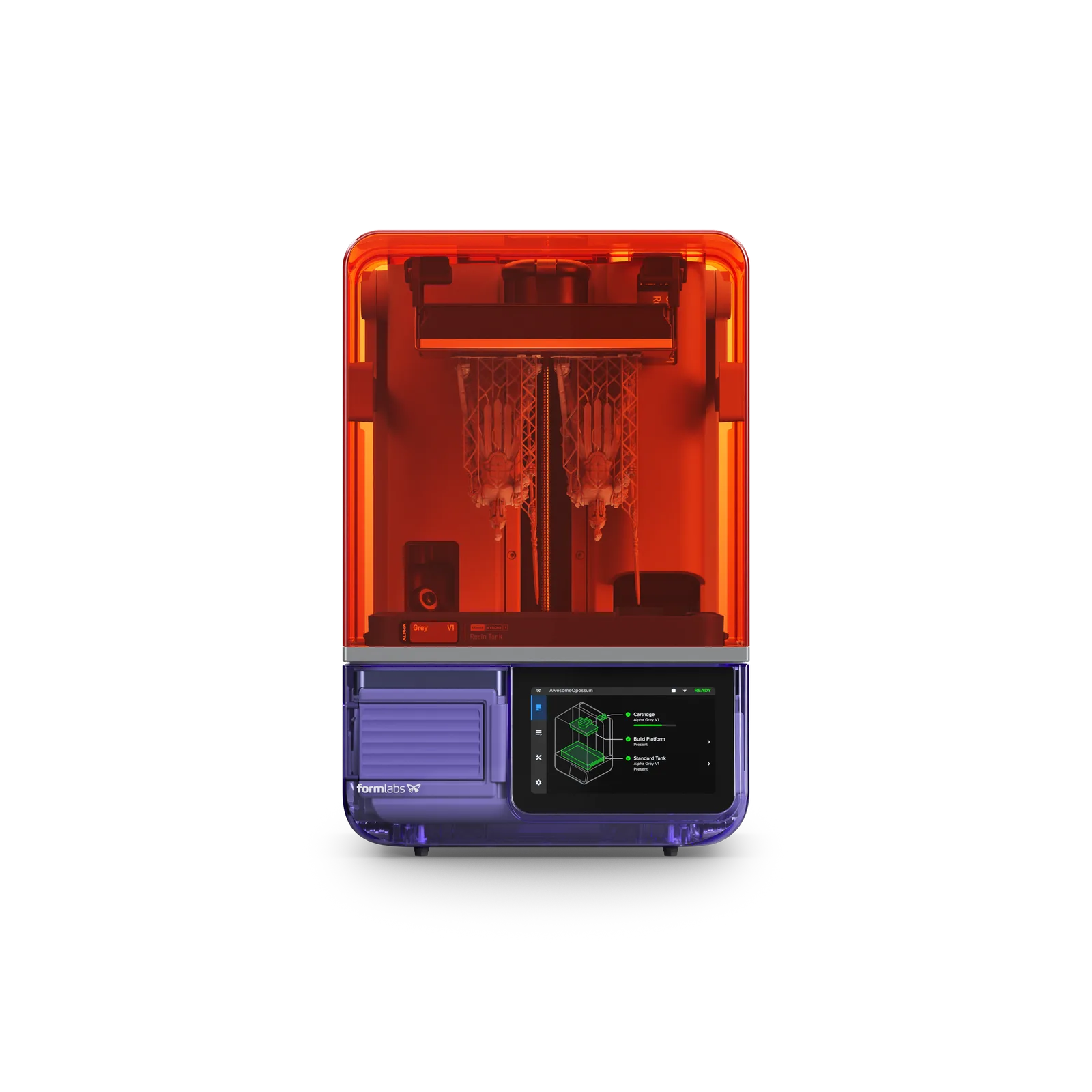
The Form Studio 1 and the new Wash+Cure station in Formlabs' workshop photography. Image: Formlabs.
Formlabs has launched the Form Studio 1, a desktop resin printer aimed at makers and small studios that brings automatic resin handling and included third-party material support to a new entry-level range.
The launch also introduces six Alpha resins and a combined washing and curing station. Miniatures, sculpted models and prototype enclosures are among the applications Formlabs is targeting, alongside a cartridge-based workflow for users who want to spend less time pouring resin and adjusting print settings.
A 35-Micron Print Engine
The Studio 1 uses masked stereolithography, or MSLA: an LCD masks ultraviolet light into the shape of each layer, curing several parts across the platform at once. It builds on the Low Force Display technology used in the Form 4.
A lens array directs light from the LEDs toward the resin. Below the tank, an updated release texture allows air to move between the film and the optical unit. Formlabs designed this to reduce the suction that resists lifting a freshly printed layer. The standard tank's oxygen-permeable film also leaves a thin uncured interface to help parts separate.
The build area has the same width and depth as the Form 4, with a little more height. Its smaller pixels are intended for fine features and smooth surfaces. The Form 4 retains stronger illumination, along with a resin mixer and debris detection absent from the Studio 1.
| Specification | Form Studio 1 |
|---|---|
| Printing process | MSLA with Low Force Display |
| Build volume | 200 × 125 × 235 mm |
| XY pixel size | 35 µm |
| Light engine | 28 LEDs; 6 mW/cm² at the print plane |
| Resin heating | Up to 45 °C |
| Touchscreen | 7 inches |
| Connectivity | Wi-Fi, Ethernet and USB-C 2.0 |
| Material system | Automatic cartridge dispensing; manual filling in Open Material Mode |
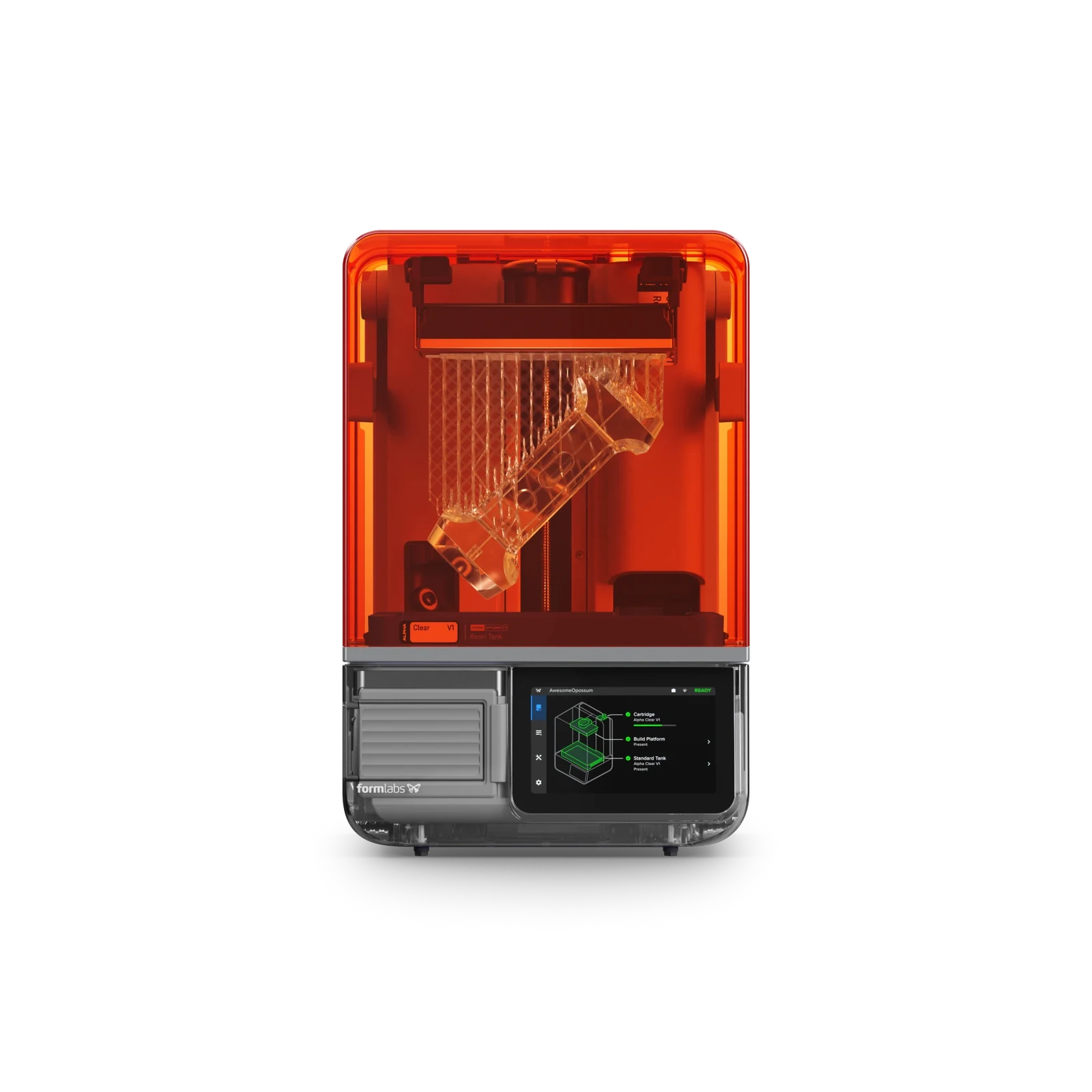
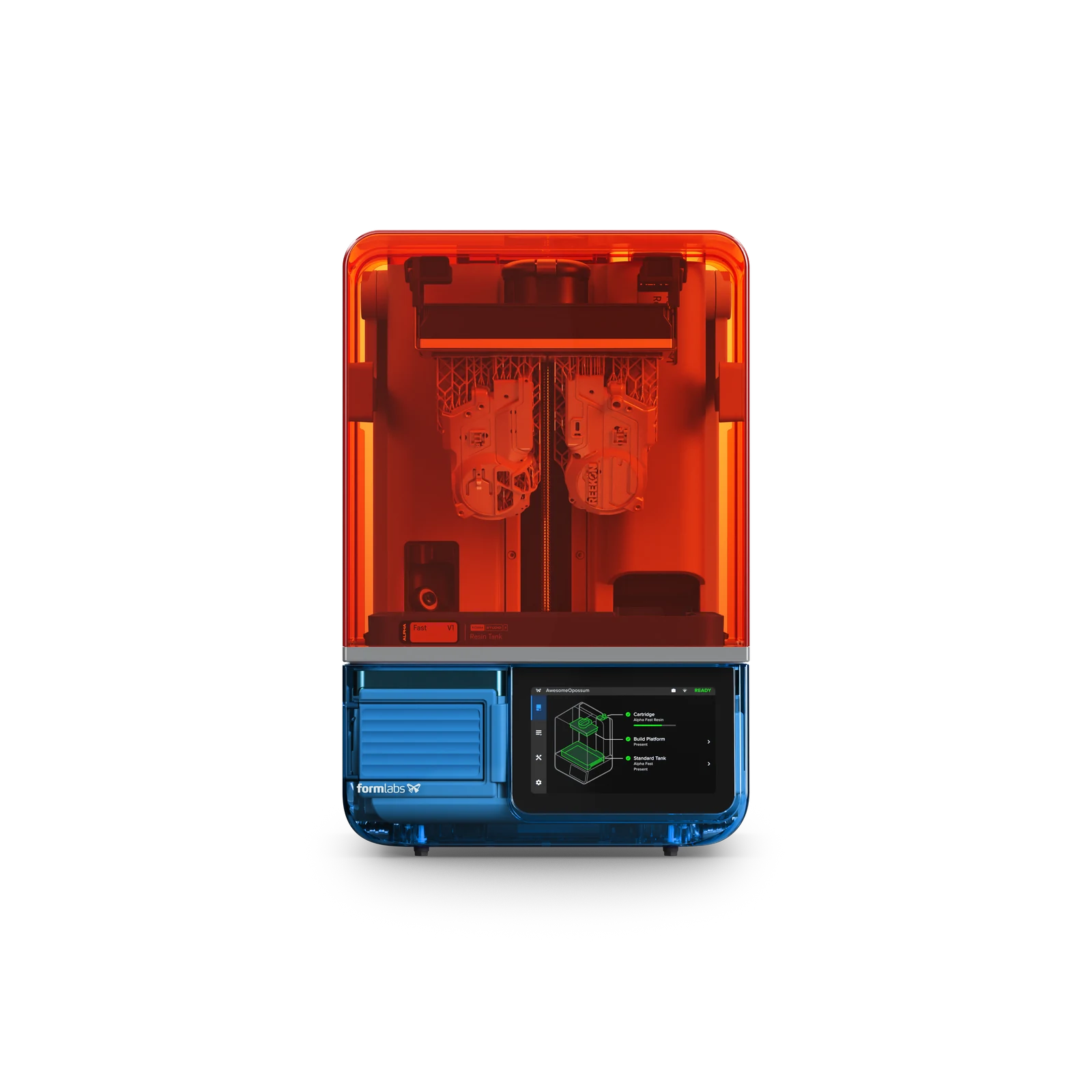
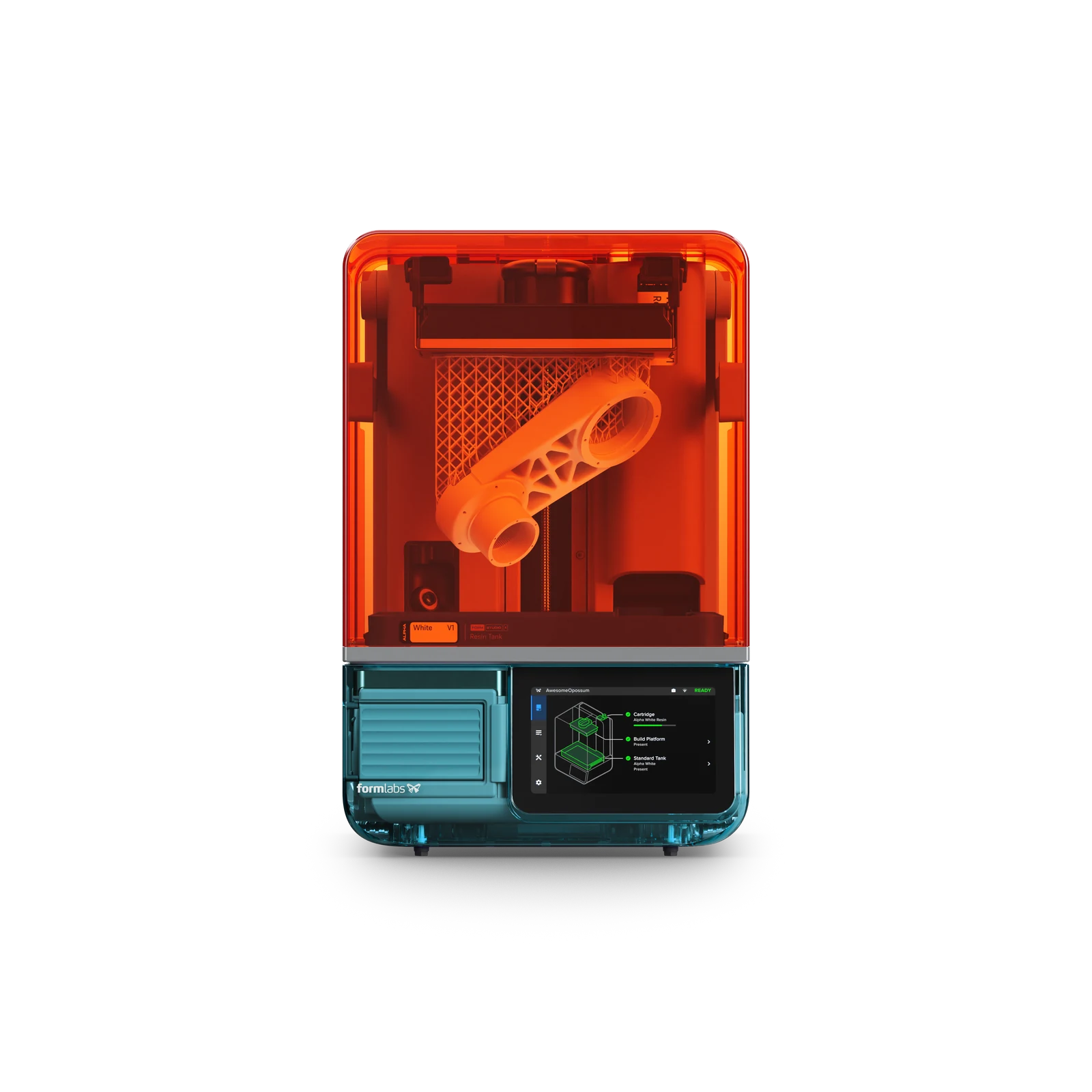
All four finishes: Graphite, Aqua, Teal and Violet. Images: Formlabs.
Alpha Resins for Models and Prototypes
Formlabs lists nine materials with validated settings at launch: Alpha Grey, White, Black, Clear, Model and Fast, plus Tough 1500 Resin V2, Flexible 80A Resin V2 and True Cast Resin. The Alpha range was developed for the Studio 1 and isn't listed for the Form 4.
Alpha Model targets miniatures and sculptures. Formlabs describes a matte surface that takes paint evenly and thin features that flex rather than snap. Alpha Grey, White and Black cover general models and prototypes, while Clear is intended for transparent parts.
Alpha Fast prioritizes turnaround. Formlabs rates it at up to 130 mm/h, using 250-micron layers. Those relatively thick layers suit quick shape checks and early prototypes rather than the finest miniature detail. Its primary 150-micron profile has a quoted average speed of 90 mm/h.
Formlabs' claim that most prints finish within two hours uses a 53 mm-tall reference at 100-micron layers. Taller models and finer layers will take longer.
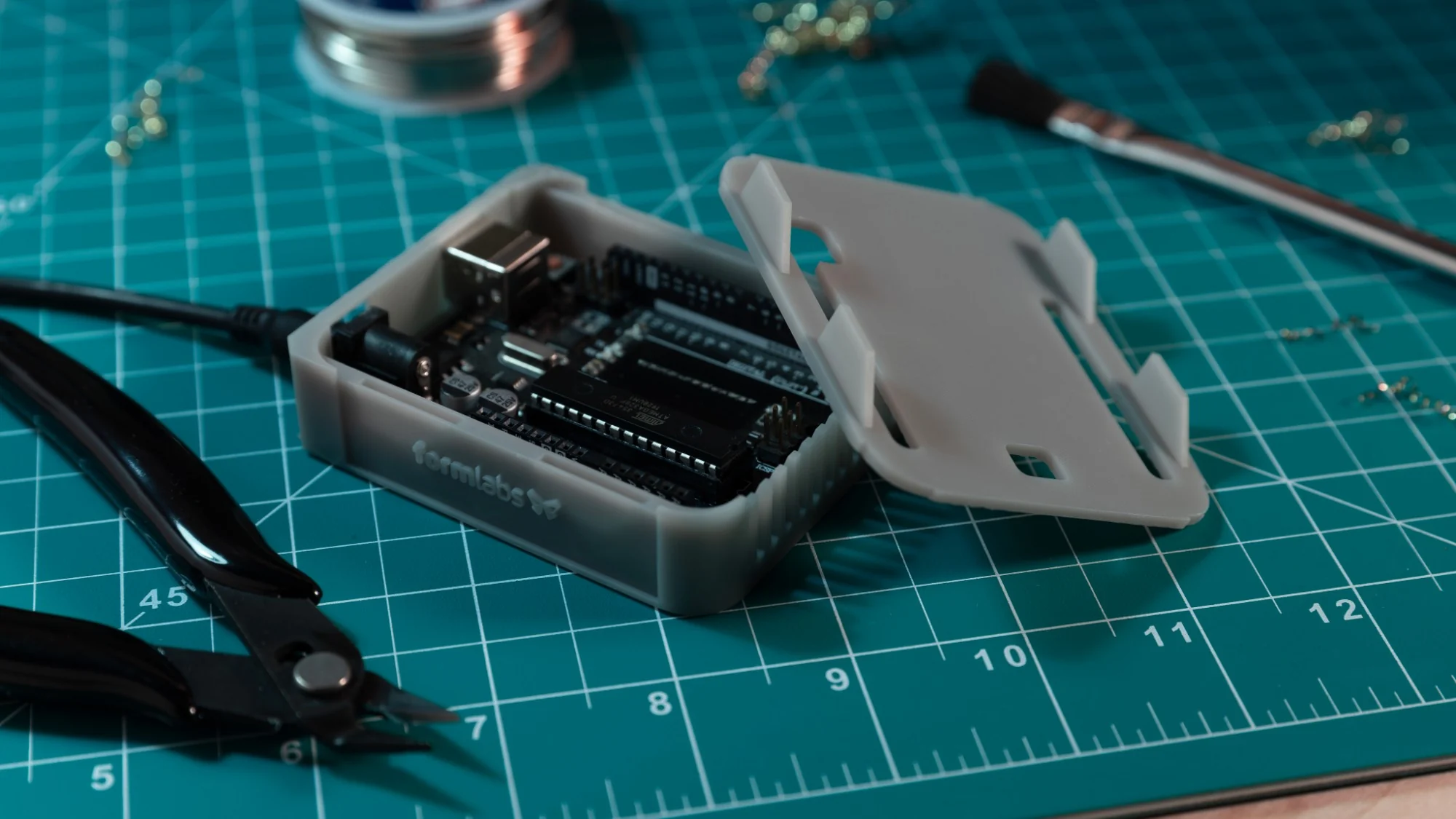

Fast enclosure prototypes and detailed models use different resin profiles. Images: Formlabs.
Third-Party Resins Use a Different Tank
Open Material Mode is included, allowing third-party 405 nm resins without buying an additional software license. Automatic dispensing is disabled for these materials. Users fill the tank manually and tune their print settings in PreForm.
These materials require the Resin Tank Pro. The standard tank is designed for Alpha resins, Flexible 80A and True Cast; other chemistries can damage its film. Tough 1500 also needs the Pro tank. Its more chemically resistant film broadens compatibility, with a speed trade-off compared with the standard tank.
Both tanks come with lids for storing resin between jobs. Formlabs rates their life at more than 75,000 layers, but the film isn't user-replaceable. A worn or damaged film means replacing the tank rather than fitting a new sheet.
PreForm and the New Wash+Cure Station
Print preparation remains in Formlabs' free PreForm software. It handles orientation, supports and layout automatically or lets users adjust them manually. The Studio 1 doesn't support third-party slicers, despite its wider choice of resins.
An integrated camera provides remote viewing and time-lapses through Form Mobile and Dashboard. The phone app also tracks progress and sends completion notifications, making it possible to check a job without returning to the printer. The camera can be switched off.
Once printing finishes, the optional Build Platform Flex releases parts when its mechanism is squeezed. It replaces scraping with a quick-release surface, but isn't the platform supplied in the Base package.
The separate Form Studio Wash+Cure puts two post-processing steps in one machine. An impeller circulates solvent around the parts during washing. The user then raises the basket to let them dry, removes the wash bucket and installs a turntable for curing under ultraviolet light.
Parts are moved from the printer by hand, and the station is switched between modes. It accepts IPA, TPM or Formlabs Resin Washing Solution and cures at room temperature, without a heater. It also supports several earlier Form printers, including the Form 4.
Air Filtration With the VOC Extractor
Formlabs is pairing the Alpha range with an optional VOC Extractor that connects to the printer's exhaust port. Its fan draws air through two activated-carbon filters to reduce volatile organic compounds released during printing. The filter set is rated for roughly 330 printing hours and can be replaced.
The company's UL GREENGUARD Gold certification covers the Studio 1 printing Alpha resins with that extractor attached. It concerns low chemical emissions from this specific combination, not every resin that can run on the printer.
Formlabs also reports long-term skin-contact testing for Alpha parts washed and cured according to its instructions. That claim concerns the finished part, not handling liquid resin without protection. The material's safety data and processing instructions still apply.
Packages and Availability
As of October 14, Formlabs lists the Base package at $699 in the US and €639 before VAT in the EU. It includes the printer, a standard resin tank and a standard build platform. Alpha resins start at $29 per liter in the US.
The Complete package adds Build Platform Flex and the Wash+Cure station, priced at $948 in the US or €878 before VAT in the EU store. The VOC Extractor is a separate accessory. US prices exclude sales tax; VAT-inclusive European prices depend on the destination.
The printer is available to order worldwide. Graphite is the standard finish, with Aqua, Teal and Violet offered in limited Founders Edition runs. A one-year warranty is included, with optional service coverage available.
The Studio 1 is aimed at a workbench where a painted miniature and a prototype enclosure might share the same printer. It brings Formlabs' cartridge-and-profile workflow to those everyday jobs, while leaving the Form 4 as the platform for a broader range of engineering materials.
Share this article



Related articles

3D Printers · Sep 10, 2026
UniFormation S10 Puts Resin Printing, Washing and Drying in One Machine
The S10 takes a resin print from the vat to a washed, dry build without a separate wash station. Kickstarter pricing starts at $999, or $899 for VIP reservations.
6 min read
3D Printers · Sep 22, 2026
Creality SPARKX i8 Launches on Indiegogo From $289
Creality has moved the SPARKX i8 into mass production. The campaign opened at $289; its early-bird printer reward is listed at $309, with delivery estimated for November.
6 min read

3D Printers · Oct 12, 2026
Bambu Lab Announces S1 3D Scanner for November
The Bambu Lab S1 3D scanner is due in November 2026, with an official teaser showing the handheld design first seen in September's FCC records.
2 min read